For producers
You can build the chords. Now play them.
KeyFu is a piano practice app for iPhone and iPad. It trains the hands behind a four-chord loop like 1–5–6m–4, on the MIDI keyboard you already own.
The roll
Nothing to read
There is no sheet music anywhere in the app, and no point at which progress requires learning to read it.
The roll reads like the one you draw in: pitch up, time across. The blocks are there while a part is new, and one tap hides them.
The small numbers in the blocks are fingers, 1 for the thumb, not chord numbers.
If you have bounced off piano apps before, this is usually where it happened: the app was really teaching notation, and playing was the reward for getting through it.
Harmony
Chords by number, in any key
same numbers · any key · new shapes
Progressions go by number, so four chords drawn in C are the same four in any key. In the DAW, moving them is one drag.
In E♭, as in the recording, the same four are E♭, B♭, Cm and A♭. The small m means minor: the darker-sounding one.
Let the coach pick today’s key, or pick the one the track is in: any of the twelve, in major, minor, a mode, or a family like blues.
16 kinds of key
7 kinds like major and minor
9 kinds like blues and pentatonic
192 keys to play in, like C major or A minor blues
What does not travel is your hands. The same progression in another key puts different shapes under your fingers, and the repetitions exist to close that gap.
Your time
Sessions fit the gap you have
Five minutes while something bounces, or up to half an hour: the session is built around the time you actually have.
- 5 min
- 10 min
- 20 min
- 30 min
No plan today? Start a ready-made routine like Lo-Fi Chord Kit, about four minutes and free, or build your own with KeyFu Pro.
Change time puts the plan together again for a new length.
Your keyboard
It reads MIDI, nothing else
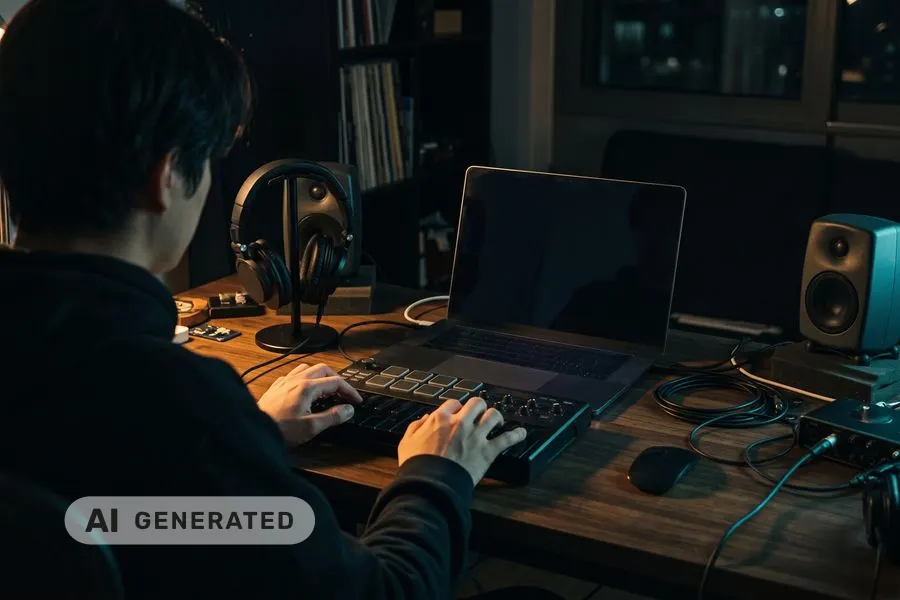
Plug in the keyboard you already own over USB.

USB works the moment you plug in. For Bluetooth MIDI, tap Connect a Bluetooth keyboard in KeyFu, then pick your keyboard.
Tell KeyFu its size, from 25 to 88 keys, and the exercises it picks stay within it. Shift an octave, and KeyFu can move with you.
Feedback comes from what you played — which notes, when — not from a microphone in the room.
KeyFu is its own app, not a plugin: nothing goes in or out of your DAW. It thinks like one, though: MIDI in, chords by number, notes toward a line.
Where to next
Everything in the app
- Today’s practiceA session planned for your goal and your time
- Talk to your coachDescribe a goal — get a plan built for you
- Your skillsSee what you’ve built and what’s fading
- Exercise libraryBrowse exercises & routines — pick one and play
- Train your earHear it, play it back
- Play freelyNo plan, no clock, nothing to get wrong
Join the beta
Invitations go out in small waves. Bring the keyboard you already have.
We send one confirmation email, then invitations in small waves. The beta is for adults (18+).
This list is run by KeyFu (Martin Neuschulz), Kurt-Eisner-Straße 58, 04275 Leipzig, Germany, hi@keyfu.app (privacy).
You need an iPhone or iPad and a keyboard that connects by USB or Bluetooth MIDI — most current digital pianos do.